

Navigate
Products
Download
eShop
Upgrade
Overview
Training
Support


Navigate
Products
Download
eShop
Upgrade
About
Training
Support


The account activation process in Embird NEXT is a critical sequence that transforms the time-limited demonstration version of the software into a fully licensed and functional application. This process is seamlessly integrated with the new subscription-based sales model, which provides immediate access to all currently available software modules. The core mechanism involves linking a user's data and device EUID to a payment transaction record on the Embird server.
Activation is a license validation procedure that employs software-based product activation technology. This procedure ensures that a valid subscription has been purchased and correctly linked to the user's software installation.
After the Embird server receives the subscription fee and successfully pairs it with the user's account data - especially the Embird Unique ID (EUID) of the device - the activation is delivered to the user's device automatically via the internet. No further action is required on the user's side once the preceding steps of account set up and subscription purchase are complete.
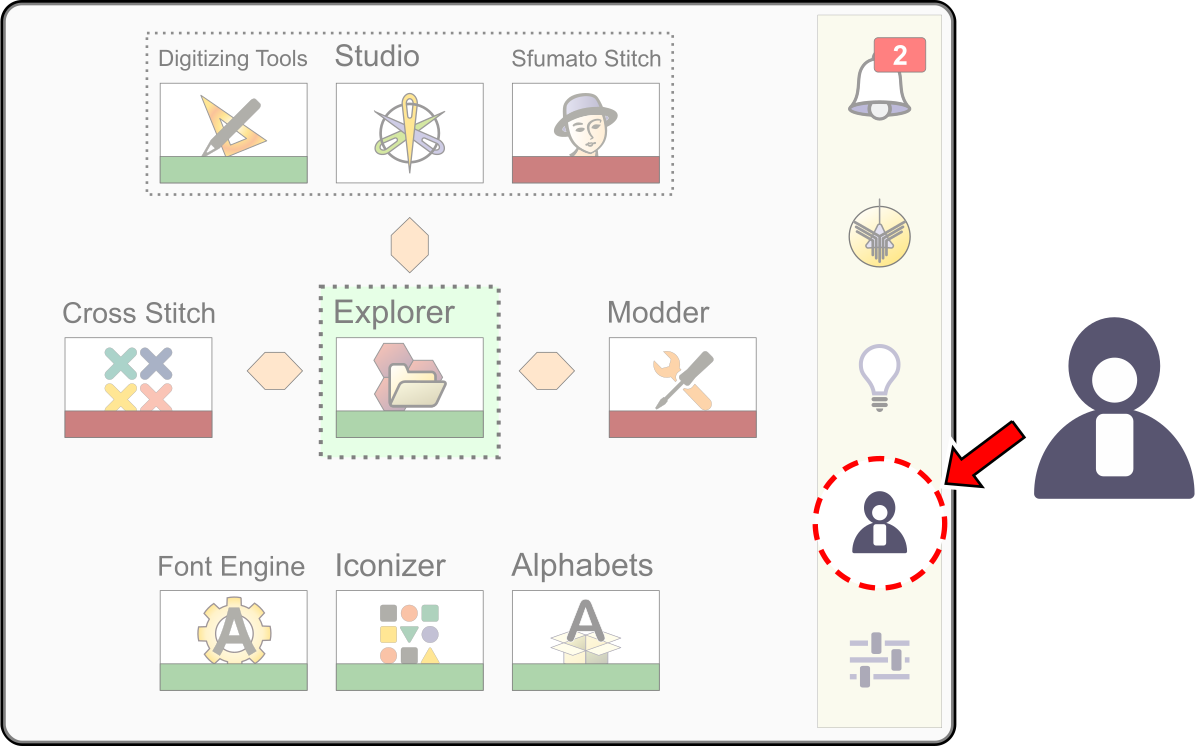
The Embird User Account is the fundamental component that manages user permissions, software access, and subscription status. It serves as the bridge that connects the local Embird installation on the user's device with the central subscription and activation management engine on the Embird server.
The primary function is to link the local Embird NEXT installation to the server-side subscription and activation engine, ensuring the user receives the correct permissions. User Account window is launcehd from the main Dashboard.
The activation sequence is a tree-step process, beginning with the user account set up and concluding with the automatic, server-side license validation:
The process transitions the software from the time-limited demo or expired demo to the fully licensed version. Setting Up the user account in Embird NEXT program must occur before the subscription purchase to ensure the transaction is correctly matched for activation.
Once the software is activated, all previously locked features are unlocked, and Embird NEXT becomes fully functional. While activation is typically immediate and automatic, the server's pairing process may occasionally require manual verification, which extends the activation time to within 72 hours after the purchase.
The following diagram explains a user's interaction with the Embird server, which involves several steps.
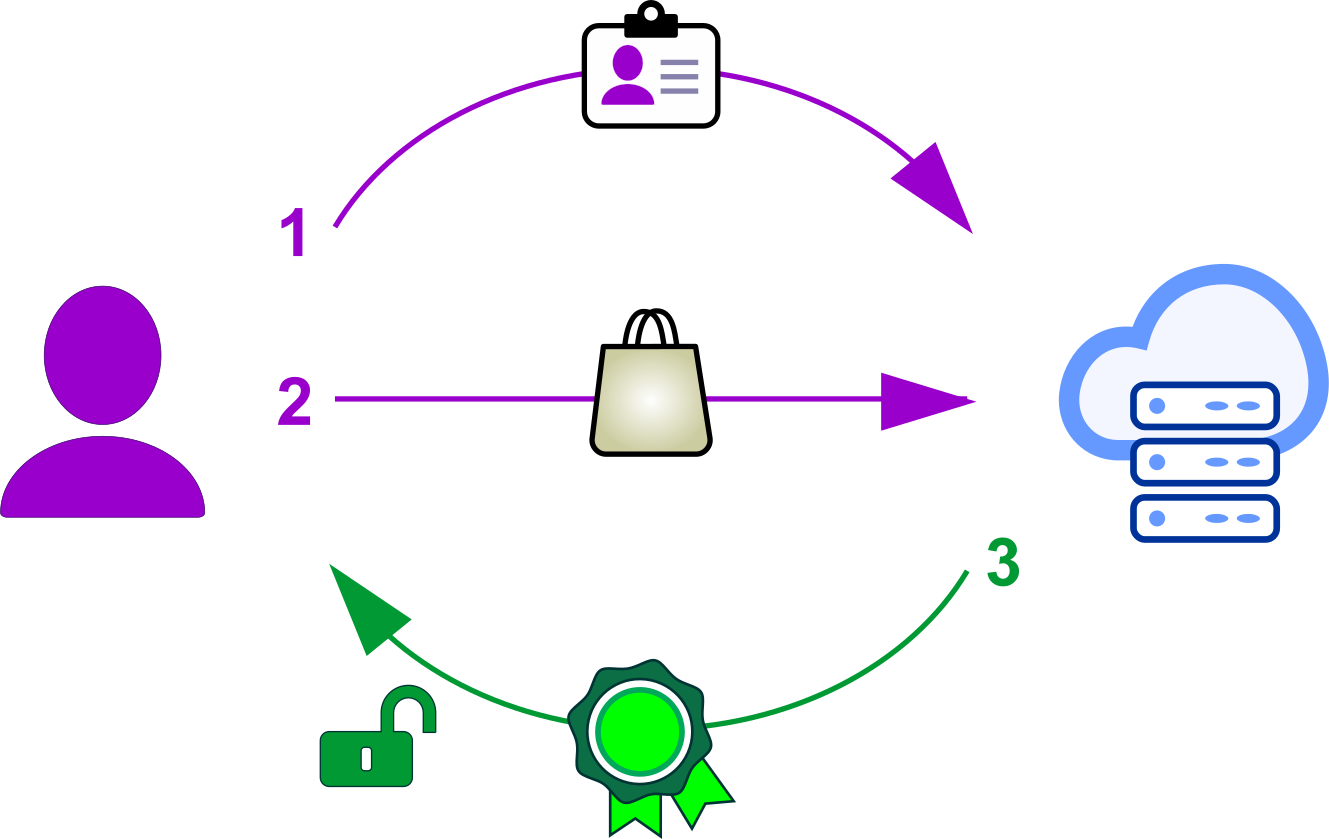
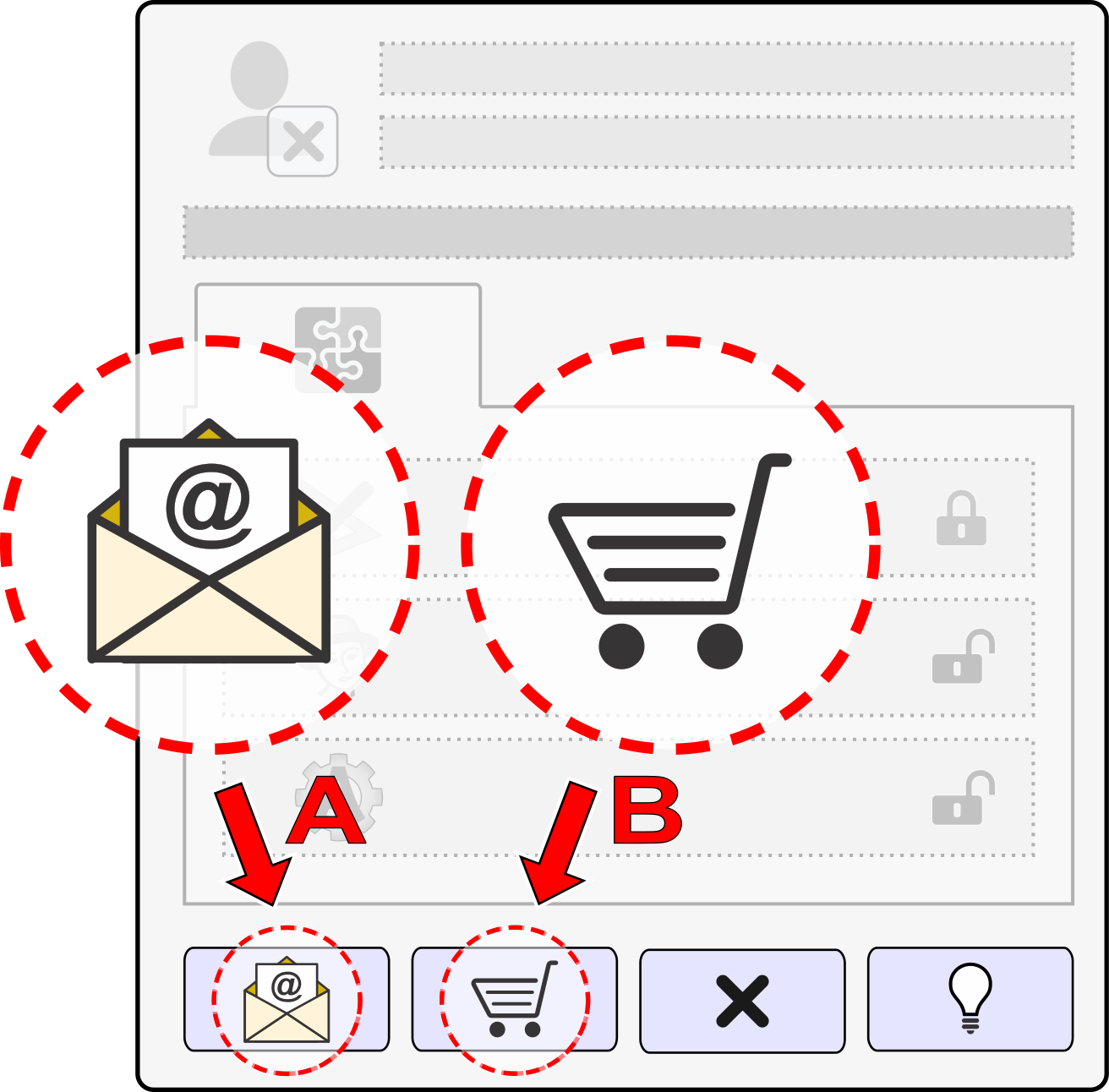
Diagram of Embird Next account set up, purchase of license, and account activation. Left: user, right: Embird web server.
User Account window: buttons for account set up and subscription purchase.